




Overview of DaVinci Resolve Studio 20 Benefits
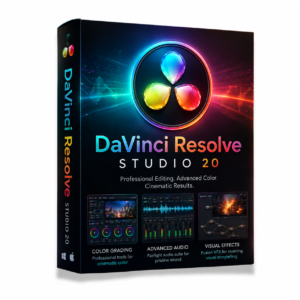
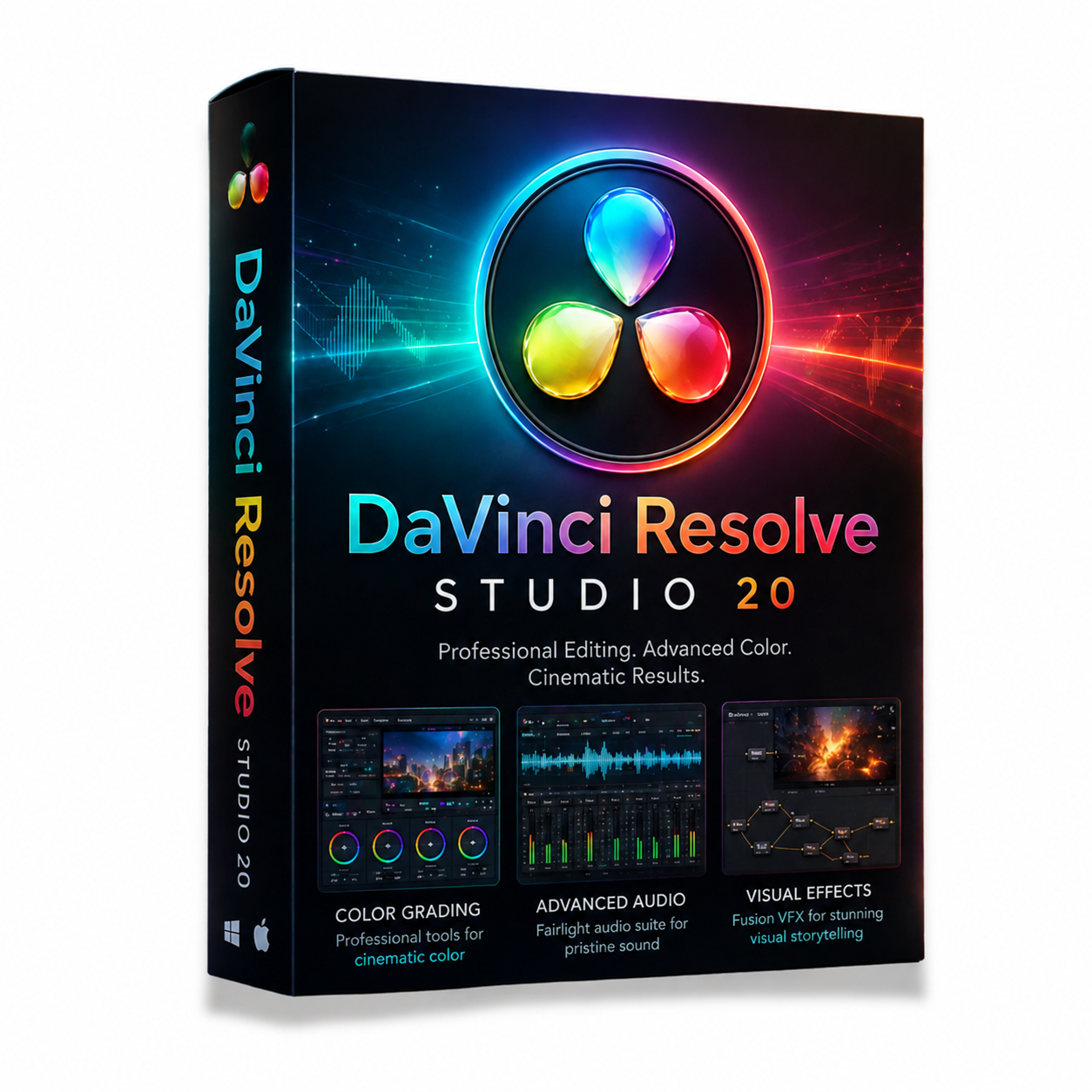
DaVinci Resolve Studio 20 is a professional all-in-one software solution for video editing, color correction, visual effects, motion graphics, and audio post-production. Widely used in film, television, and digital content creation, it combines advanced production tools with AI-powered features to help create high-quality video projects.
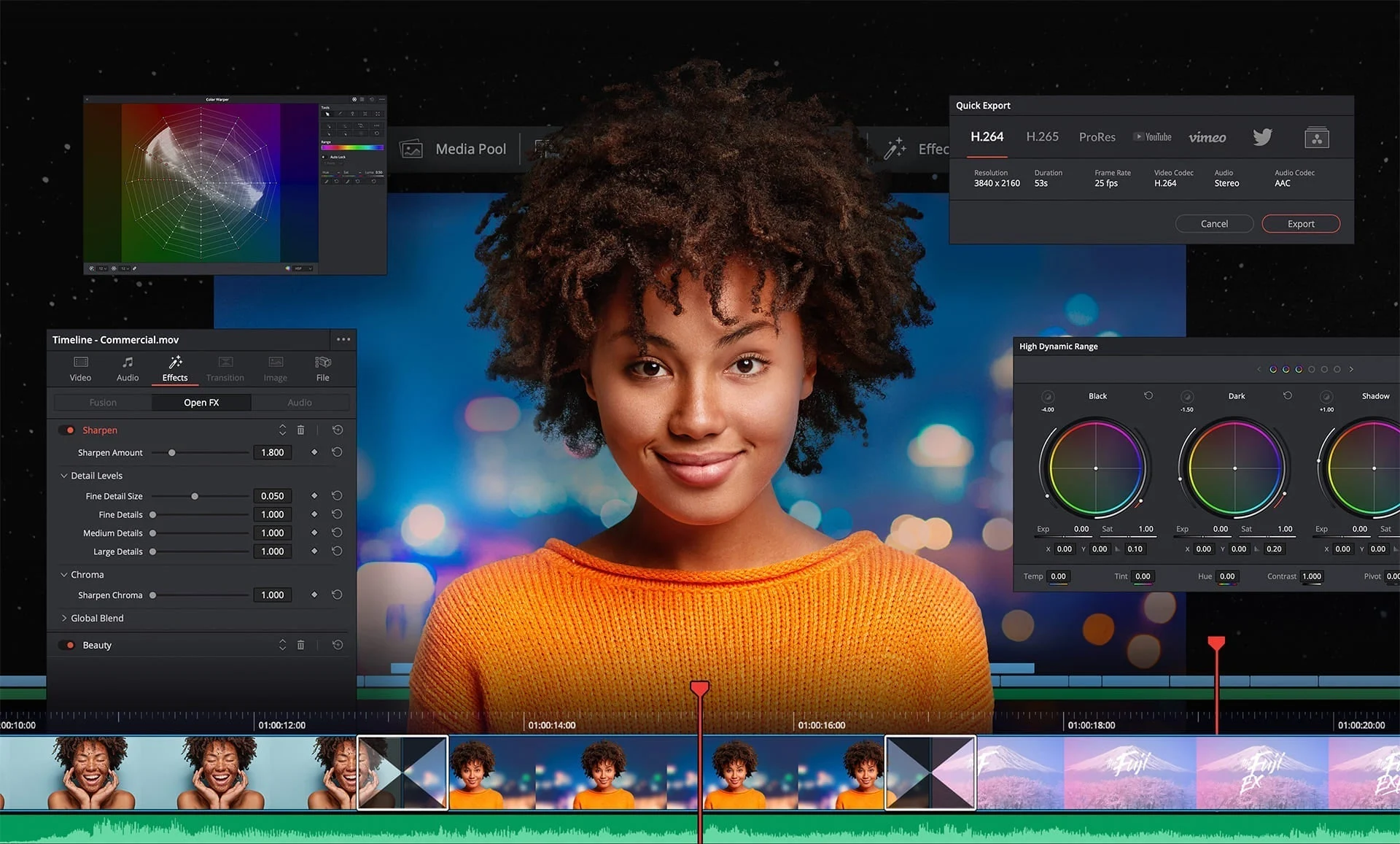
DaVinci Resolve Studio 20 brings editing, color grading, visual effects, and audio production together in a single application. Its dedicated workspaces and advanced processing capabilities make it suitable for professional filmmakers, video editors, colorists, and content creators.
Whether you are editing films, producing online content, creating visual effects, or working on professional audio projects, DaVinci Resolve Studio 20 provides a comprehensive set of tools for your production workflow.
Overview of DaVinci Resolve Studio 20 Features
DaVinci Resolve Studio 20 includes advanced editing, collaboration, color grading, AI-powered tools, visual effects, and audio production features.
Video Editing and Workflow
Cut and Edit Timelines
Work with dedicated multi-track Cut and Edit timelines designed for fast and efficient video editing.
High-Speed Editing
Organize footage, arrange clips, and create professional video projects using optimized editing tools.
Multi-User Collaboration
Collaborate remotely with other users through secure project sharing and automated timeline locking.
Timeline Management
Manage complex editing projects and coordinate changes across collaborative workflows.
Color Correction and Grading
Advanced HDR Grading
Use professional HDR grading tools with support for Dolby Vision and HDR10+ workflows.
ACES Color Management
Work with ACES color management for professional color workflows.
AI Smart Auto Grade
Automatically balance shots and target skin tones across multi-camera layouts.
Multi-Camera Color Matching
Maintain consistent colors and visual appearance across footage recorded with different cameras.
AI-Powered Tools
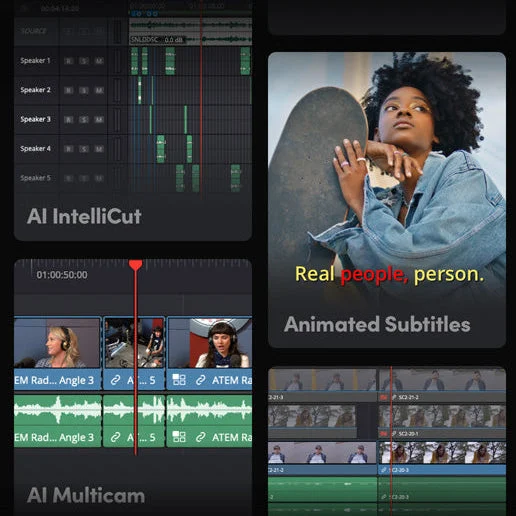
AI IntelliCut
Automate editing tasks with tools for removing dead air and splitting timelines based on multiple speakers.
AI Voice Convert
Modify vocal characteristics with voice conversion tools designed for natural timbre matching and voice synthesis.
AI Smart Auto Grade
Improve color consistency through automated shot balancing and skin-tone targeting.
AI Dialogue Matcher
Match dialogue characteristics across different recordings to achieve more consistent audio.
Visual Effects and Motion Graphics
Fusion VFX Workspace
Create professional visual effects and motion graphics using the dedicated Fusion workspace.
Deep Image Compositing
Work with advanced compositing tools for complex 3D layering and visual effects.
3D Layering
Combine visual elements in complex compositions to create detailed effects and scenes.
Performance and Media Processing
Hardware-Accelerated Processing
Use native hardware acceleration for supported video decoding and encoding workflows.
8K Video Support
Work with high-resolution video formats, including 8K footage.
H.265 Support
Handle supported H.265 4:2:2 video workflows.
Apple ProRes Support
Work with Apple ProRes media formats for professional video production.
Multi-GPU Optimization
Utilize multiple GPUs simultaneously for supported processing tasks.
Audio Post-Production
Fairlight Audio Station
Access professional audio post-production tools through the dedicated Fairlight workspace.
AI Dialogue Matcher
Match dialogue characteristics to help maintain consistent audio across recordings.
Audio Assistant
Use automatic audio mixing assistance to organize and balance audio elements.
Professional Audio Mixing
Edit, process, and mix audio directly within your video production workflow.
Exporting and Delivery
Direct-to-Platform Encoding
Use dedicated encoding presets for preparing videos for supported online platforms.
Optimized Upload Workflow
Access platform-oriented export and upload options for distributing finished video projects.
System Requirements and Technical Details
Supported OS: Windows, macOS, and Linux
Hardware Optimization: Supports multi-GPU processing and optimization for advanced Neural Engines.
Video Formats: Supports workflows involving 8K, H.265 4:2:2, and Apple ProRes.
License: Perpetual lifetime activation for DaVinci Resolve Studio 20, including applicable version 20 updates.
Delivery: Instant digital delivery with secure installation instructions.